

How to Use a DDJ FLX4 to Prepare and Play Record Pool Tracks
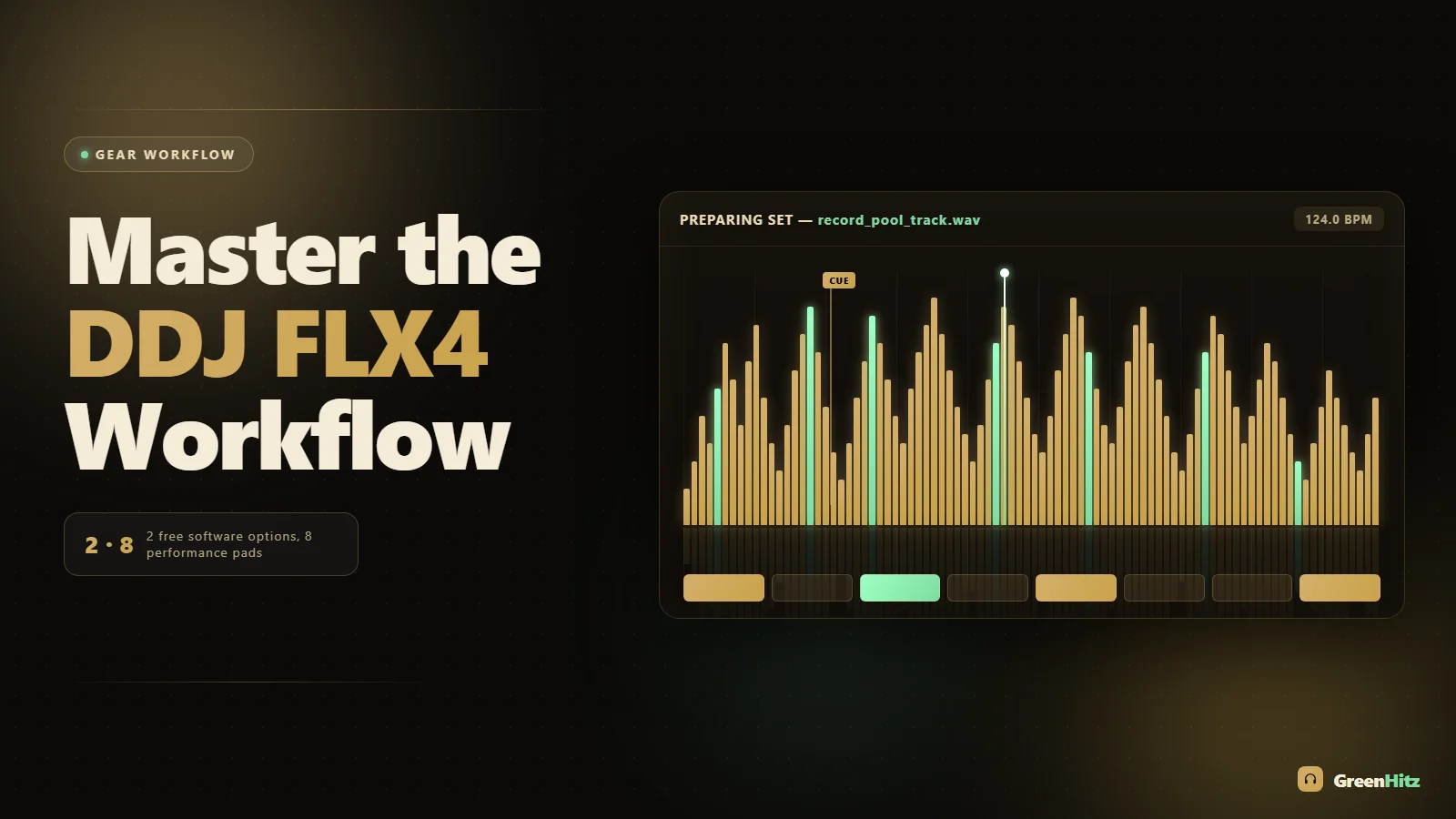
To use a DDJ FLX4 with record pool tracks, download your files, drop them into rekordbox or Serato DJ (both are free and both support the FLX4), let the software analyze BPM and key, then set cue points and loops in the collection before you ever plug in. The FLX4 has no screen, so all your prep lives inside the laptop software and gets loaded onto the decks over USB-C. Nail the prep and the controller does the rest.
The FLX4 is a 2-channel, 4-deck-capable controller that punches way above its price, but it rewards DJs who organize their music before the gig. Below is the exact workflow I use to go from a fresh record pool download to a clean, cued, gig-ready set on the FLX4.
Choosing Between rekordbox and Serato DJ for the FLX4
The FLX4 is one of the few controllers that ships with full unlocked support for both rekordbox and Serato DJ Lite/Pro at no extra cost. That means you pick the ecosystem, not the price tag. If you plan to move up to CDJs at clubs, learn rekordbox, because your cues, loops, and grids travel with you on a USB stick. If you love Serato's stems and workflow, or you already run Serato, stay there.
Either way, the FLX4 talks to the software the same way: analysis and prep happen on the laptop, and the controller becomes your hands. If you are torn, we broke down the trade-offs in detail in our guide to rekordbox vs Serato for preparing record pool tracks. For this article the steps apply to both, and I will note where they differ.
Getting Record Pool Downloads Ready Before They Touch the FLX4
Record pool files are not automatically ready to play. They are ready to prepare. Here is what to sort out first.
Download the right format and bitrate
Pull the highest quality version your pool offers. For club-grade playback you want 320 kbps MP3 at minimum, and lossless WAV or AIFF if it is offered and your storage allows. The FLX4 has a solid built-in sound card, but garbage in still means garbage out on a loud rig. We covered the reasoning in what bitrate record pool downloads should be for club sound systems. When you grab tracks from GreenHitz, you can pull clean, DJ-ready edits and full-length versions instead of radio rips with drops cut short.
Sort into folders that make sense
Before importing, drop your downloads into folders by genre or by energy. A messy download folder becomes a messy library, and the FLX4 has no browse screen to bail you out, so you are scrolling on your laptop mid-set. If you want a system that actually holds up under pressure, read how to organize DJ tracks by energy level so you can grab the right record fast.
Back up before you build
Analyze once, tag once, then protect that work. Set up a cloud backup for your record pool downloads so a dead drive never wipes your cue points and grids the night before a gig.
Importing and Analyzing Record Pool Tracks
Open your software and add your prepped folders to the collection. Drag the folder into the library, or use File > Import in rekordbox and the Files panel in Serato.
Now analyze. This is the step beginners skip and regret. Analysis calculates BPM, sets the beat grid, and detects the musical key. Without it, the FLX4's sync, quantize, and beat FX all misfire.
- rekordbox: Right-click selected tracks and choose Analyze Track. Turn on Key detection in Preferences first.
- Serato: Select tracks and hit Analyze Files. Enable "Set Auto BPM" and set the correct BPM range (for example 78 to 155) so half-time and double-time tracks do not get mis-detected.
Always spot-check the beat grid on your first eight bars. Record pool edits with long ambient intros or live drummers sometimes need a manual grid nudge. In rekordbox use Grid Edit; in Serato hold the grid marker and slide. A drifting grid is the number one reason mixes fall apart on any controller.
Setting Cue Points and Loops for the FLX4's Performance Pads
The FLX4 has eight performance pads per deck with modes for Hot Cue, Pad FX, Beat Jump, and Sampler (plus Beat Loop and Loop Roll depending on your pad mode setup). Everything you set on the laptop shows up under your fingers.
A repeatable hot cue layout
Set the same cue points in the same pad slots for every track. Muscle memory is your best friend when there is no screen to double-check. A layout I trust:
| Pad | Cue point | Use |
|---|---|---|
| 1 | Intro / first downbeat | Drop-in and beatmatch start |
| 2 | First breakdown | Quick transition out |
| 3 | Main drop / vocal hook | Energy jump on the fly |
| 4 | Outro downbeat | Clean mix-out point |
Consistency beats cleverness here. For a full breakdown of a fast-selection system, see the best cue point setup for live DJ sets.
Loops to fix short intros
Plenty of record pool edits have four or eight bar intros. That is tight for beatmatching by hand. Set a Beat Loop at the intro so you can extend it while you dial in the incoming track. The FLX4's Loop section and the Loop Roll pad mode make this easy live. If short intros keep catching you out, our guide to using loop rolls to extend short intros walks through the timing.
Playing Your Prepped Set on the FLX4
Now the fun part. With your library analyzed, cued, and looped, the FLX4 becomes an instrument instead of a spreadsheet.
Key mixing with detected keys
Because you enabled key detection, every track shows its key. Mix in compatible keys to keep things smooth, especially with vocal tracks. If you work off the Camelot system, keep our guide to reading the Camelot wheel to build an energy-boosting set open on your second monitor until it is second nature.
Smart CFX, Smart Fader, and Merge FX
The FLX4's headline features are built for exactly this kind of prepped playback. Smart Fader auto-adjusts EQ and filter as you move the crossfader for a smoother blend, which is forgiving when you are learning. Smart CFX loads multi-effect banks onto the pads for one-touch color changes. Merge FX (hold the button) builds tension and drops into the next track automatically. Use them as seasoning, not as the whole meal. Lean on them too hard and every transition sounds the same.
EQ and the three-band mix
The real work still happens on the channel EQs. Swap basslines cleanly by cutting the low on the outgoing track as you bring the incoming low in. Two full basslines fighting is the fastest way to a muddy mix, which we diagnosed in why DJ transitions sound muddy when you blend two basslines. For vocal-to-vocal blends, the FLX4's filter knob is your cleanest tool, and filter sweeps for smooth vocal transitions covers the timing.
Gain staging so you do not clip
Record pool tracks are mastered at different levels. Watch the channel meters and aim to peak in the yellow, not the red. The FLX4 has trim/gain per channel and a master limiter, but do not rely on the limiter to save a hot signal. Set gains per track so your levels match as you go. If your mixes are distorting, fix your gain staging before you blame the gear.
A Quick Pre-Gig Checklist for the FLX4
- All set tracks downloaded at 320 or lossless and imported.
- Every track analyzed with a checked beat grid and detected key.
- Hot cues set in your standard pad layout.
- Intro loops set on edits with short intros.
- Library backed up to cloud and to a second drive.
- Laptop charger, USB-C cable, and RCA/headphone cables packed.
- Software updated (test updates at home, never at the venue).
If you are building a targeted set rather than just winging it, pair this workflow with our walkthrough on how to prepare a one-hour peak-time club set from a record pool.
Frequently Asked Questions
Can the DDJ FLX4 play tracks without a laptop?
Not standalone from a USB stick like a CDJ or the bigger FLX10. The FLX4 needs a computer running rekordbox or Serato, or a phone running the WeDJ/rekordbox mobile app over USB. There is no built-in screen or media slot, so your prepped library always lives on the connected device.
Does the FLX4 work better with rekordbox or Serato for record pool tracks?
Both are fully unlocked and free with the FLX4, so it comes down to your goals. Choose rekordbox if you want your cues and grids to transfer to club CDJs on a USB stick. Choose Serato if you prefer its interface or want to use stems. The prep workflow is nearly identical in both.
How do I set cue points on the DDJ FLX4?
Load a track, hit play, and press an empty performance pad in Hot Cue mode at the point you want. The cue saves instantly and shows on the waveform in your software. You can also place and rename cues on the laptop before the gig, which is faster and more precise for a full library.
What bitrate should record pool tracks be for the FLX4?
Aim for 320 kbps MP3 at minimum, and lossless WAV or AIFF when available and storage allows. The FLX4's sound card is clean enough to reveal low-bitrate artifacts on a big system, so grab the highest quality version your pool offers for anything you plan to play in a club.
Why won't my tracks beatmatch correctly on the FLX4?
Almost always a bad beat grid or wrong BPM detection. Re-analyze the track, check the grid against the first downbeats, and set a sensible BPM range so half-time tracks are not read at double speed. Once the grid is right, sync, quantize, and beat FX all lock in.
Can I use the FLX4 with four decks?
Yes. It is a 2-channel controller physically, but rekordbox and Serato let you toggle each side between two decks, giving you four total. It is fiddlier than a four-channel unit, but usable for layering acappellas or quick loop stacks once you are comfortable with the deck switch buttons.


