

Best Cue Point Setup for Live DJ Sets: A Fast-Selection System
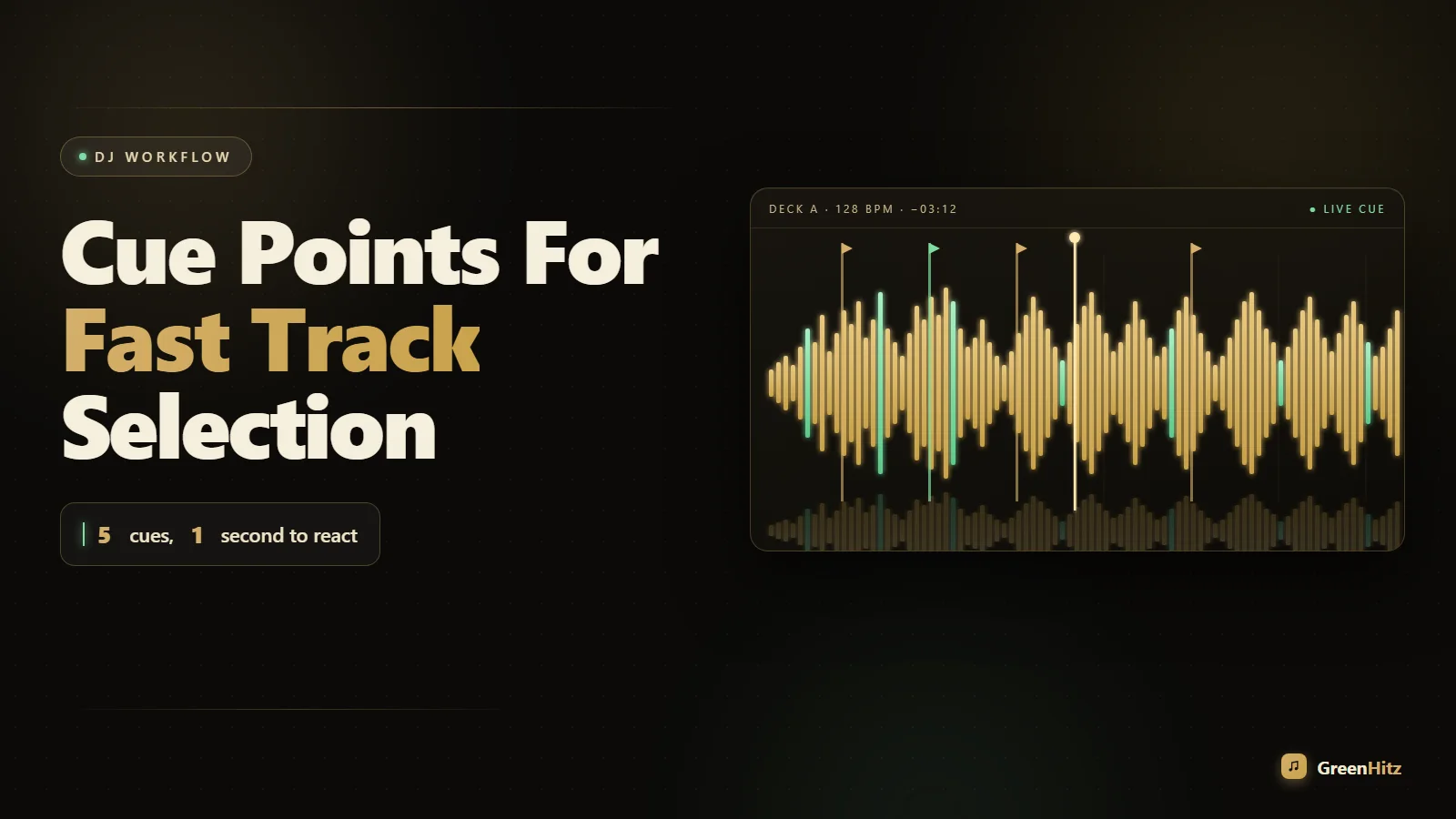
The best cue point setup for live DJ sets is a fixed, color-coded system where every cue means the same thing on every track: cue 1 is the mix-in point, cue 2 is the first drop or hook, cue 3 is the breakdown, and a vocal cue marks the acappella intro. When the placement and colors are consistent across your whole library, you stop reading waveforms and start reacting. You glance, you see red at the drop, you hit it. That muscle memory is what keeps you ahead of the crowd instead of chasing the track.
Most DJs I watch fumble because their cues are random. One track has eight scattered hot cues, the next has none, and half of them were set at a house party three years ago and never cleaned up. Under club pressure that chaos costs you. Below is the system I use across CDJs, Rekordbox and Serato so I can pull the right entry point on anything in my crate in about a second.
Why a Consistent Cue Point System Beats Setting Cues On the Fly
Setting cues live is a rookie trap. You are trying to beatmatch, watch the floor, and drop a cue at the perfect bar all at once, and something slips. The whole point of prep is to move that decision off the dance floor and into your headphones at home. When cues are pre-set and standardized, your live brain only has to answer one question: which section do I need right now?
Consistency does two things. First, it removes hesitation, because your eyes already know where to look. Second, it makes your library predictable, so a track you have not touched in months behaves exactly like the one you played last night. This is the same reasoning behind sorting your music before the gig. If you have not built an energy-based system yet, my guide on how to organize DJ tracks by energy level pairs perfectly with cueing, because energy tags tell you which track to grab and cue points tell you where to grab it.
The Best Cue Point Layout for Live Sets
Here is the exact assignment I recommend. Use the same slots and same colors on every track. On CDJs you get eight hot cue buttons, and you rarely need more than five well-placed ones.
| Cue | Color | Purpose | Placement |
|---|---|---|---|
| 1 | White | Mix-in point | First beat of a clean 8 or 16 bar intro |
| 2 | Orange | Vocal / hook start | Where the lead vocal or main melody enters |
| 3 | Red | The drop / peak | Downbeat of the biggest energy moment |
| 4 | Blue | Breakdown | Start of the stripped-back section |
| 5 | Green | Mix-out point | Where a clean outro or last usable phrase begins |
The logic behind the colors: white is neutral and safe (your default entry), red screams danger and excitement (the drop), blue is the calm breakdown, green means go for the exit. Once your eyes are trained, you do not read the text label at all. You see the color block on the waveform and your hand moves.
Set Cues On the Downbeat, Not Near It
Every cue must land on beat 1 of a bar, ideally the first bar of a phrase. If your cue is even a 16th off, your mix-in will sound sloppy no matter how good your beatmatching is. Zoom the waveform all the way in when you set it and use quantize with a 1 bar setting so the cue snaps to the grid. This only works if your beatgrid is correct, so fix drifting grids during prep. Getting comfortable reading those waveforms fast also speeds up your live cueing, which I break down in my piece on how to beatmatch faster using waveform alignment on CDJs.
How to Prep Cue Points Efficiently at Home
Do this in batches. Pulling out one track at a time between gigs never gets your whole library done. Block off an hour, put on your monitors, and grind through a folder.
- Turn on quantize at 1 bar so every cue snaps clean.
- Check the beatgrid first. If the grid is wrong, every cue you set will be wrong too.
- Set the mix-in (white) cue at the first strong downbeat of the intro.
- Scrub to the drop and set red. This is the cue you will use most for quick, hard transitions.
- Mark the vocal (orange) and breakdown (blue) so you can hot-swap into a phrase without waiting.
- Set the mix-out (green) where a clean tail begins.
- Delete junk cues that came baked into the download.
This is where clean source files matter. Fighting a track with a long DJ-hostile radio intro wastes cue slots. Pulling proper DJ edits and intro versions from a pool like GreenHitz means the structure is already mix-friendly, so your white cue lands on a real 16-bar intro instead of a random cold open. If you are unsure why that matters, read why clean edits and intro versions are better for DJ sets.
Using Cue Points for Fast Track Selection Mid-Set
Selection speed is not just about finding the next tune, it is about knowing where you will enter before you even load it. With a standardized system, your decision tree is instant:
- Crowd needs energy now? Load the track, cue straight to red (the drop), and slam it in on the phrase.
- Want a smooth blend? Load and cue to white, ride the intro over the outgoing track.
- Want to tease a vocal? Cue to orange, drop the hook a cappella-style over your current groove.
- Need to buy time? Cue to blue and use the breakdown as a bridge between two heavy tracks.
Because the layout never changes, you are not decoding a fresh waveform every time. You already know the map. That is the real payoff of the best cue point setup for live DJ sets: it converts a track you barely remember into one you can play like an old favorite.
Cue Points and Loops Work Together
Cues get you to the right spot. Loops let you hold it. If a track has a two-bar intro that is too short to blend, drop your white cue and immediately loop-roll it out to buy phrasing room. I go deep on this in how to use loop rolls to extend short intros for smoother mixing. Pairing a mix-in cue with a saved loop at the same point is one of the most powerful prep combos you can build.
Common Cue Point Mistakes That Slow You Down
The fastest way to speed up is to stop doing the dumb stuff.
- Too many cues. Eight scattered hot cues is visual noise. Five with meaning beats eight with none.
- Inconsistent colors. If red means drop on one track and intro on another, you have trained nothing.
- Cues off the grid. A cue set by ear at 2am without quantize will haunt you.
- Leaving pool defaults in place. Some downloads ship with a single cue at zero. Clear and reset.
- No mix-out cue. Knowing where to leave is as important as knowing where to enter, especially for clean endings. Combine your green cue with an echo out transition to end tracks cleanly on CDJs.
Keep Your Cue Points Safe Across Gigs
All this prep is worthless if it lives on one USB that dies in your bag. Cue points, beatgrids and colors are stored in your library database and written to the drive. Back it up. I cover the exact process in how to back up your DJ USB for club gigs, and if you want it automated, syncing your record pool downloads to a cloud backup saves the source files too. Losing a year of cue prep because a stick corrupted before a gig is a mistake you make exactly once.
Whether you prep in Rekordbox or Serato, the cue logic is identical, though the export process differs. If you are deciding between them, my breakdown of Rekordbox vs Serato for preparing tracks from a record pool covers how each handles hot cues and analysis. For more crate and workflow guides, the full GreenHitz blog has you covered.
Frequently Asked Questions
How many cue points should I set per track for live DJing?
Five is the sweet spot: mix-in, vocal or hook, drop, breakdown, and mix-out. More than that becomes visual clutter and slows your reaction time. Fewer than three usually means you are missing a key entry point. The goal is meaningful cues you actually use, not filling all eight buttons because they exist.
Should I color-code my cue points, and does it actually help?
Yes, and it is one of the biggest speed upgrades you can make. When red always means the drop and white always means the intro across your entire library, your eyes stop reading labels and start reacting to color. Under club lighting and pressure, that split-second saving is the difference between a tight drop and a missed one.
Do cue points transfer between Rekordbox, Serato and CDJs?
Cue points travel within the same ecosystem when you export properly to a USB. Moving between Rekordbox and Serato is not seamless and often requires conversion tools that can lose color and comment data. The safest approach is to pick one prep software, export a properly analyzed drive, and back it up so your cues are safe at every gig.
Is it better to set cue points live or during prep?
Prep, almost always. Setting cues live splits your attention while you are beatmatching and reading the room, which is when mistakes happen. Turn on quantize and set your cues at home on the correct beatgrid. Save the live improvisation for loops and effects, which are meant to be reactive.
What is the difference between a memory cue and a hot cue?
A hot cue is instantly triggerable with a pad and is what you use for live jumping and dropping. A memory cue is a saved marker that shows on the waveform and can hold loop info, but it is not one-touch triggerable in the same way. For fast selection, hot cues are your workhorses; memory cues are useful for marking structure.
How do cue points help with harmonic mixing?
Cue points tell you where to enter; key tells you what will blend. Combine your vocal or breakdown cue with a harmonically compatible next track and you get clean, in-key transitions. Learning the Camelot wheel for harmonic mixing alongside a solid cue system lets you pick the right track and the right entry point at the same time.


