

How to Use Loop Rolls to Extend Short Intros for Smoother Mixing
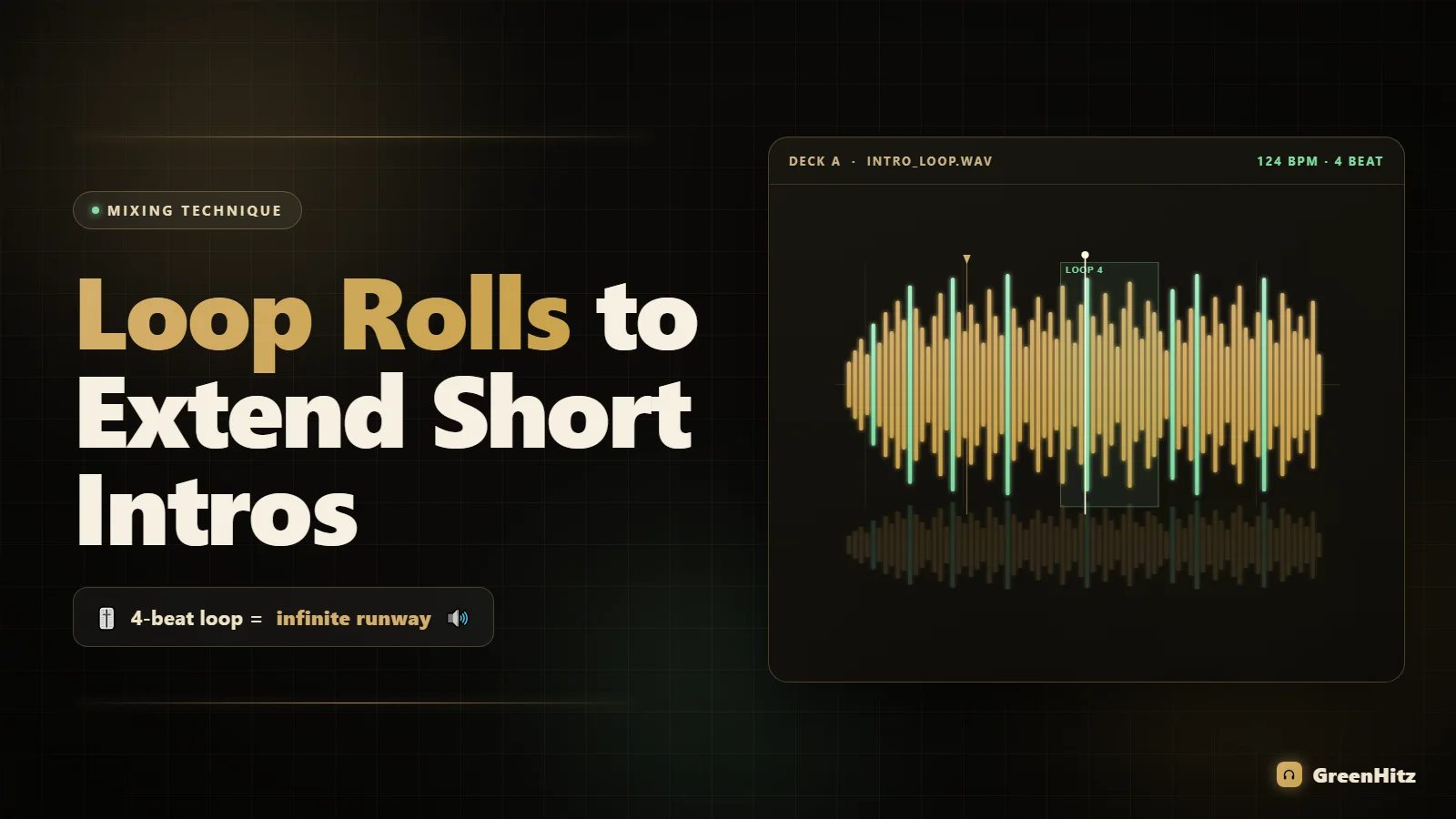
To use loop rolls to extend a short intro, set a loop over the first clean bar or beat of the incoming track (usually 1, 2 or 4 beats), engage it before that intro runs out, then use the roll or loop out to keep looping that section while you blend the outgoing track underneath. When you're ready to release, deactivate the loop exactly on a downbeat so the phrasing lands clean. Done right, you turn a four-bar intro into as many bars as you need without the crowd ever noticing.
Modern edits are ruthless. A lot of pop, hip hop and Afrobeats tracks jump straight to the hook, and even a lot of "DJ edits" only buy you eight bars before the vocal hits. That's fine if you're bang on the beatmatch, but it leaves zero margin for error. Loop rolls give you that margin. They let you stretch a skinny intro into a controlled, loopable bed you can mix over at your own pace. Let me break down exactly how to do it.
What a loop roll actually is (and how it differs from a normal loop)
A standard loop repeats a section of the track and keeps the playhead trapped inside it until you exit. Simple, and it's the backbone of what we're doing here. A loop roll (called "Slip Loop" on some gear) is different in one crucial way: while the loop plays, the track keeps running silently in the background. When you release the roll, playback jumps forward to where the track "would have been" if you'd never looped at all.
That distinction matters for intros:
- Standard loop: use this to genuinely extend the intro. The track sits and repeats. You control when it moves on. This is your bread and butter for buying bars.
- Loop roll (slip): use this for a stutter or a quick rhythmic tease that snaps back into place without knocking the track out of phrase. Great for build-ups, less useful for a long extension.
For extending a short intro, you'll mostly reach for a clean standard loop and control its length manually. I'll still call the technique "loop rolls" because that's how most DJs describe it, but know which tool your situation calls for.
How to use loop rolls to extend intros step by step
Here's the workflow I use on CDJs and it maps cleanly onto Serato or Rekordbox controllers too.
- Find the loop point during prep. Before the gig, listen to the intro and mark the first fully clean bar (no vocal ad-libs, no half-finished phrase). Set a saved loop there. Prep is everything: doing this live under pressure is how you clip a vocal by accident.
- Choose your loop length. Start with a 4-beat (1 bar) loop for a groove that stays interesting, or an 8-beat loop if the drums have a two-bar pattern. Very short 1 or 2-beat rolls sound like a stutter, so save those for the moment right before release.
- Engage the loop before the intro ends. Time it so the loop grabs the last clean bar of the intro, ideally right on a downbeat. Watch the waveform, not just your ears.
- Bring in the outgoing track underneath. Now you've got infinite runway. Beatmatch, EQ, fade, whatever your transition calls for. The looped intro just keeps its groove going while you work.
- Halve the loop to build tension (optional). As you approach the release, cut the loop from 4 beats to 2 to 1. That tightening ramps energy right before the drop.
- Release on a downbeat. Deactivate the loop precisely on beat 1 of a bar so the track continues in phrase. This is the part people rush. If you exit mid-bar, the whole track feels shoved forward.
The single biggest mistake is exiting the loop off-phrase. Count your bars. If you looped for eight bars, exit so the next section still lands on a natural 8, 16 or 32-bar boundary. Phrasing is what separates a loop that sounds intentional from one that sounds like a mistake.
Setting the loop on the right beat: waveform reading matters
Your loop is only as clean as your beatgrid. If the track's grid is drifting, your loop will slowly slide out of time and the whole thing falls apart after a few repeats. Analyze every track properly before it hits your USB, and correct the downbeat marker so beat 1 sits on the actual kick.
Reading the waveform to place your loop edge is a skill worth drilling. If you're still fighting to get loops landing on the one, spend time getting comfortable with beatmatching faster using waveform alignment on CDJs. The same eye that lines up two waveforms is the eye that drops a loop dead on the downbeat.
Loop length cheat sheet by genre
Different genres breathe at different rates. A loop that feels natural in house sounds like a broken record in drum and bass. Here's where I usually start:
| Genre | Typical BPM | Starting loop length | Notes |
|---|---|---|---|
| House / Tech House | 122-128 | 4 or 8 beats | Drum grooves loop cleanly; long extensions feel natural |
| Hip Hop / Trap | 70-100 (or 140 halftime) | 2 or 4 beats | Watch for ad-libs; short loops keep it punchy |
| Afrobeats | 98-112 | 4 beats | Percussion patterns are busy, keep loops on the bar |
| Amapiano | 110-118 | 4 or 8 beats | Log drums love a longer loop bed |
| Drum & Bass | 170-175 | 8 or 16 beats | Fast tempo means short loops stutter; go long |
| Reggaeton | 90-100 | 4 beats | Dembow pattern stays interesting on a single bar |
These are starting points, not laws. Trust your ears. If a 4-beat loop starts sounding repetitive after three passes, halve it to build tension or just release and move on.
When to reach for a loop roll instead of a better edit
Loop rolls are a live tool, not a fix for lazy prep. If a track's intro is genuinely too short for the way you mix, the smarter long-term move is to grab a proper intro version or extended edit. That's exactly why clean edits and intro versions are better for DJ sets: they hand you a purpose-built runway so you don't have to manufacture one every single time.
Pulling DJ-ready intro edits and extended versions from a record pool like GreenHitz means half your tracks already have the intro you needed, and you save the loop-roll trick for the tracks that don't. Think of it as layers: good edits first, loop rolls as your live safety net. For the whole prep picture (gain, cue points and loops set the right way), work through our guide on preparing tracks for DJing so every deck you load is loop-ready before the doors open.
Combining loop rolls with EQ and echo for a seamless blend
A loop by itself just buys time. The transition quality comes from what you do underneath it. While the looped intro plays:
- Cut the bass on the outgoing track early so two kicks and basslines aren't fighting. If your blends ever sound cloudy, that overlap is usually why. Our breakdown of why transitions sound muddy when you blend two basslines covers the EQ moves in detail.
- Swap the lows in as you release the loop. The moment you exit the loop and the track proper kicks in, that's your cue to bring the incoming bass up and pull the outgoing one out.
- Add a touch of echo on the release for a tail that smooths the handoff, especially if the loop point isn't perfectly seamless. Echo out is a whole technique on its own; see how to use echo out transitions to end tracks cleanly on CDJs.
Layer these and a loop-roll intro extension stops sounding like a trick and starts sounding like the track was always built that way.
Common mistakes that make loop rolls sound obvious
- Looping over a vocal fragment. A half-word repeating four times screams "loop." Always loop drums or clean instrumental bars.
- Exiting off the downbeat. Kills the phrasing and shoves the whole track forward. Count and release on the one.
- Looping too long. More than four passes of the same bar and the crowd notices. Extend only as long as you need to complete the blend.
- Ignoring a drifting beatgrid. A bad grid turns a clean loop into a slow train wreck. Fix your analysis in prep.
- Forgetting to disengage slip mode. If you meant to extend but slip was on, the track jumps forward when you exit and you lose the bars you thought you'd gained.
Drill this at home on two or three problem tracks until the release-on-the-downbeat feels automatic. Muscle memory is what lets you pull it off in a loud club without staring at the screen. Want more hands-on technique like this? The full library of DJ guides goes deep on mixing, prep and workflow.
Frequently Asked Questions
What is the best loop length to extend an intro?
Start with a 4-beat (one bar) loop for most genres between 90 and 130 BPM. It keeps the groove interesting without sounding repetitive. Go to 8 beats for slower or busier tracks and drop to 2 beats only in the final bar before release to build tension.
Do loop rolls work on Serato and Rekordbox or just CDJs?
Both. Serato has auto loops, manual loops and loop rolls mapped to pads on nearly every controller, and Rekordbox offers the same plus a dedicated Slip mode. The workflow is identical: set the loop, blend underneath, release on the downbeat. Only the button layout changes.
How do I stop a loop from sounding repetitive?
Loop over drums rather than melodic or vocal content, keep the extension to four passes or fewer, and use EQ or a filter sweep across the loop to keep the ear busy. Halving the loop length as you approach the release also disguises repetition by building energy.
Should I use loop rolls or just find a track with a longer intro?
Use a proper intro or extended edit whenever one exists; it always sounds cleaner than a manufactured loop. Save loop rolls for tracks that only come with a short intro. Building a record pool of DJ-ready intro versions means you rarely need the trick, which keeps it fresh when you do.
Why does my track jump forward after I exit the loop?
That's slip or loop-roll mode being active. In slip mode the track keeps running silently underneath, so releasing snaps you forward. To genuinely extend an intro you want a standard loop with slip off, so playback continues from where the loop ends, not from where the track would have been.
Can I use loop rolls to extend outros too?
Yes. The same technique works on the last clean bar of an outgoing track, giving you a longer bed to bring the next track in over. Loop the final instrumental bar, blend the new track, then cut the loop once the incoming track is established.


