

How to Use Echo Out Transitions to End Tracks Cleanly on CDJs
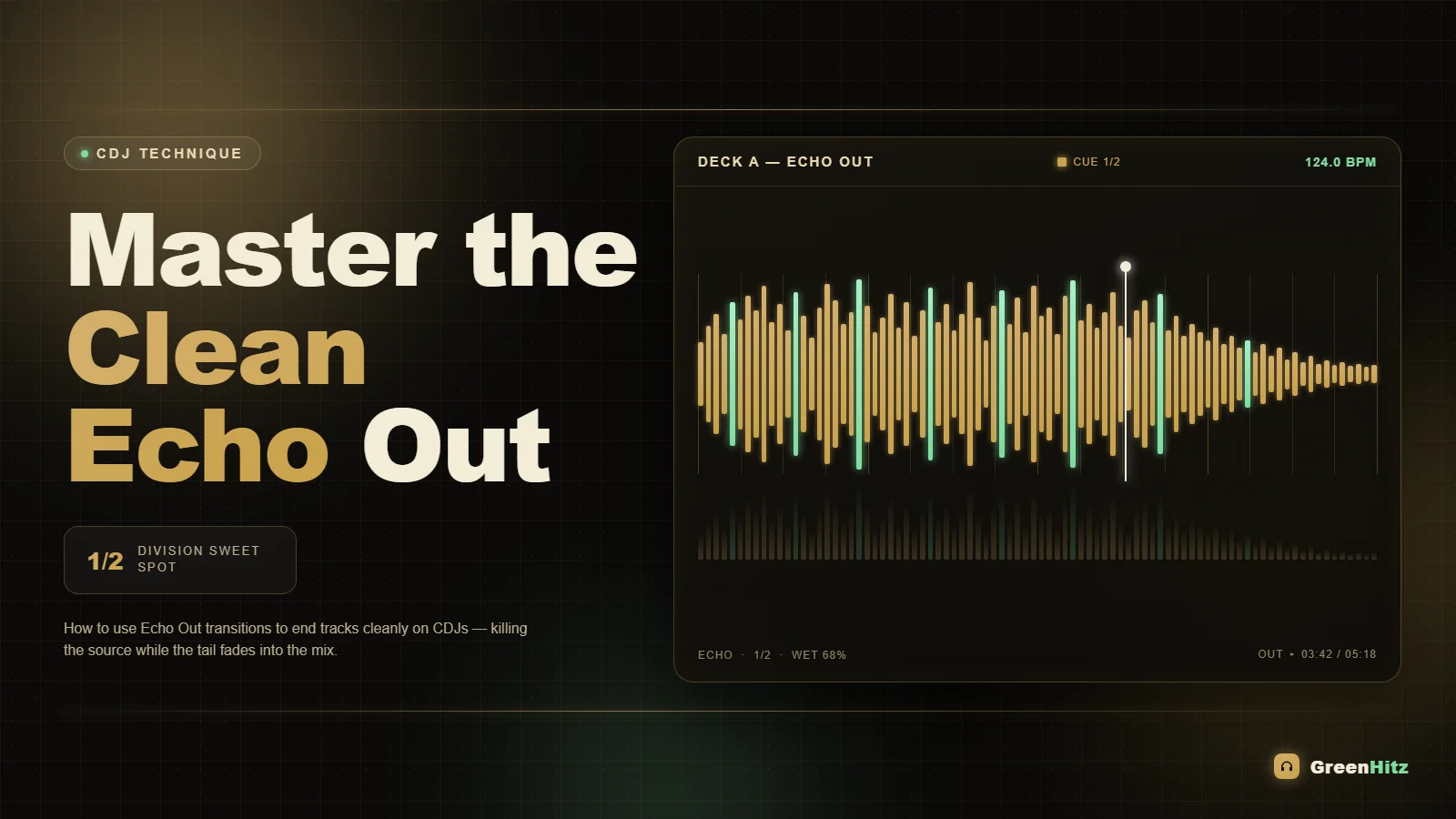
To use an echo out transition on CDJs, engage the Echo effect on your mixer or CDJ Beat FX, set the beat division to 1/2 or 1/4, then pull the outgoing track's channel fader down (or hit the cue/pause) right on a phrase boundary so the echo tail rings out over your incoming track. The trick is timing the echo to the last strong beat and cutting the source audio so only the fading repeats survive. Done right, it kills long dead outros, smooths genre and BPM jumps, and gives you a clean handoff every time.
This is one of those moves that separates a DJ who fights every ending from one who makes transitions feel inevitable. Below is the full workflow: the gear, the settings, the timing, and the mistakes that make an echo out sound like a cry for help.
What an Echo Out Actually Does (and Why It Works)
An echo out takes the last bit of audio you feed it and repeats that snippet at a set time interval, each repeat quieter than the last, until it dissolves into silence. Because it captures and loops a fragment, you can cut the original track completely and the echo keeps ringing. That means you never have to sit through a weak outro, a producer's abrupt ending, or a vocal tail you do not want.
Think of it as a controlled tail. Instead of the track just stopping or fading into nothing, the echo gives the outgoing tune a musical exit while the incoming track is already building underneath it. It is the audio equivalent of a fade to black that still keeps the rhythm alive.
Two effects get confused here. Echo repeats and decays over time. Delay is technically the same family but usually keeps a steadier level. On Pioneer gear the Beat FX labeled Echo is the one you want because its trails naturally fall off in volume, which is exactly the shape of a clean ending.
Setting Up Echo on a CDJ or DJM Mixer
On a Pioneer DJM mixer (or the Beat FX section of a CDJ-3000), the echo out lives in Beat FX. Here is the setup that works in almost any room:
- Select the effect: Turn the Beat FX selector to Echo.
- Assign the channel: Set the FX channel to the deck playing your outgoing track (CH1, CH2, etc), not Master, so the echo only grabs that tune.
- Set the beat division: Start on 1/2 for a wide, spacious tail or 1/4 for a tighter, faster stutter. 1/1 gives you one big roomy repeat per bar.
- Check the tempo source: Make sure the BPM the FX unit reads matches the track. Tap it in manually if auto-BPM is drifting.
- Set the level/depth: Keep the FX depth knob around 50 to 70 percent so the repeats are audible but the first hit still sounds natural.
The ON/OFF button (or the paddle/lever on newer units) is your trigger. On the DJM-900NXS2 and DJM-A9 you engage it with the lever, which lets you feather the effect in rather than slamming it on.
How to Time the Echo Out to a Phrase
Timing is everything. An echo out dropped in the middle of a phrase sounds random. Dropped on the last beat of an 8 or 16 bar phrase, it sounds intentional.
The move goes like this:
- Beatmatch and blend your incoming track in as normal, ideally with the new track's intro already playing under the outgoing one.
- Count toward the end of a phrase on the outgoing track (the last bar of a 16 or 32 count section).
- On the final strong beat, usually beat 1 or the last snare hit, engage the echo.
- Immediately pull the outgoing channel fader down or hit pause on that deck. The echo has already captured the audio, so cutting the source leaves only the decaying repeats.
- Let the tail ring out over the incoming track, then flick the echo off once it has faded.
That gap between engaging the echo and killing the source is tiny, often less than a beat. Practice it slow at home before you try it in a packed room. If you cut the fader too early, the echo grabs silence. Too late and you hear too much of the original outro, which defeats the purpose. Solid beatmatching by ear makes this way easier because you are not staring at waveforms trying to guess where the phrase lands.
Beat Division Cheat Sheet by Genre
Different genres want different echo shapes. Here is a starting point based on how much space the track leaves you:
| Genre / BPM | Beat Division | Feel |
|---|---|---|
| House / Tech House (122-128) | 1/2 or 1/4 | Smooth, rolling tail |
| Techno (128-140) | 1/4 or 1/8 | Tight, hypnotic stutter |
| Hip-Hop / Trap (70-100) | 1/2 or 1/1 | Big, spacious, dramatic |
| Drum & Bass (170-175) | 1/4 | Fast, controlled decay |
| Afrobeats / Amapiano (105-115) | 1/2 | Groovy, keeps the swing |
Slower tracks give you room for wide 1/1 or 1/2 echoes because there is space between hits. Faster genres need shorter divisions or the repeats pile up into mud. When you are moving between tempos, the echo out is a genuine lifesaver. It is one of the cleanest tools for a transition between different BPM genres because the tail masks the moment where the old groove disappears.
Echo Out vs Just Cutting or Fading
Why not just pull the fader or let the track end? Three reasons.
- Bad outros are everywhere. Radio edits and pool versions often end cold or ride out on a vocal you do not want. The echo lets you exit on your terms instead of the producer's.
- Energy management. A hard cut can drop the floor's energy for a beat. The echo tail carries momentum across the gap while the new track takes over.
- Cover for imperfect blends. If your beatmatch is slightly off or the phrasing does not line up perfectly, the wash of echo hides a multitude of sins.
That said, do not echo out of everything. If a track has a genuinely great outro that the crowd knows, let it play. The echo out is a tool for endings that need help, not a reflex.
Common Echo Out Mistakes to Avoid
Most bad echo outs come down to a handful of repeat offenders:
- Wrong BPM on the FX unit. If the effect's tempo does not match the track, the repeats fall between beats and sound sloppy. Always tap it in if auto-BPM looks wrong.
- Depth cranked to 100 percent. Full-wet echo turns into an endless smear. Keep it musical.
- Leaving it on too long. After three or four audible repeats, turn it off. A tail that never dies buries your incoming track.
- Engaging on a weak beat. Echo out on the downbeat or a strong snare. Capturing a quiet moment gives you a weak, thin tail.
- Forgetting the incoming track needs energy. The echo covers a transition, it does not create one. Your next track still has to be already playing and in key.
On that last point, harmonic mixing makes echo outs sound even cleaner because the ringing tail is in key with the incoming track. If you are not already using it, our guide on mixing harmonically with the Camelot wheel pairs perfectly with this technique.
Prep That Makes Echo Outs Effortless
The smoothest echo outs start before you touch the mixer. A few prep habits pay off:
- Set a cue or memory point near the end of the phrase so you know exactly where the outro begins and can watch for it.
- Analyze your BPM and key correctly so the FX tempo and harmonic pairing are locked. Free tools cover this if you do not use Rekordbox; see our roundup of free BPM and key analysis software.
- Use clean versions of tracks. Pulling DJ-ready edits from a pool like GreenHitz means your outgoing tracks already have tidy structures and no radio-edit dead air fighting your echo. Clean intros and outros give you predictable phrase points, which is exactly what an echo out needs. More on why in our piece on clean edits and intro versions.
Good crate prep in general (gain, cues, loops) sets you up for this and every other transition. If your library is a mess, dial it in first with our walkthrough on preparing tracks for DJing, and browse more DJ guides when you want to go deeper.
Practicing the Echo Out at Home
You will not nail this live without reps. Set up two tracks you know well, loop the last phrase of the outgoing one, and practice the engage-then-cut motion until the timing is muscle memory. Record yourself and listen back. The goal is that the echo out disappears: nobody in the room notices a transition happened, they just notice the energy never dropped. That is the whole point.
Frequently Asked Questions
What is the difference between echo and delay on a DJ mixer?
Echo repeats a captured audio snippet with each repeat fading in volume until it dies out, which is ideal for endings. Delay in the strict sense keeps repeats at a more constant level. On Pioneer Beat FX, use the setting labeled Echo for track outros because its natural decay does the fading work for you.
What beat division should I use for an echo out?
Start at 1/2 for a wide, spacious tail or 1/4 for a tighter stutter. Slower genres like hip-hop can handle 1/1 for a dramatic effect, while fast styles like drum and bass want 1/4 or 1/8 so the repeats do not turn to mud. Match the division to how much space the track's rhythm leaves.
Can you do an echo out without a Pioneer mixer?
Yes. The Beat FX on standalone CDJ-3000s, the Echo effect in Serato, rekordbox, Traktor and VirtualDJ, and most club mixers all offer it. The workflow is identical: engage echo on the outgoing channel, kill the source audio, let the tail ring. Only the button or paddle placement changes.
Why does my echo out sound out of time?
Almost always because the FX unit's BPM does not match the track. Auto-BPM can misread tracks with intros or tempo changes. Tap the tempo in manually so the repeats land on the beat. A slightly off blend or engaging on a weak beat instead of a downbeat can also cause it.
Should I use an echo out on every track?
No. Save it for tracks with weak, cold or unwanted outros, and for masking bigger BPM or genre jumps. If a track has a strong outro the crowd loves, let it play out. Overusing the echo makes your set predictable and buries the start of every incoming track.
How long should an echo out tail last?
Three to four audible repeats is the sweet spot. Any longer and the tail smears over your incoming track and muddies the mix. Engage on the strong beat, cut the source, then switch the effect off once you hear it fading naturally into the new track.


